
If your VPS is down/offline, you can start it using SolusVM.
1. Log in to your SolusVM Control Panel.
2. If you have multiple VPSs, select the appropriate one.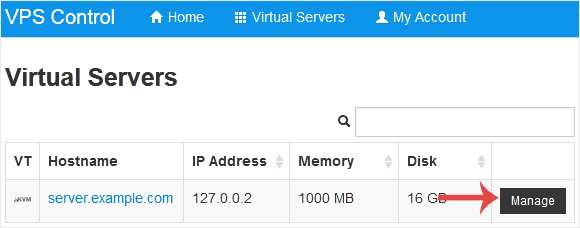
3. Click on Boot.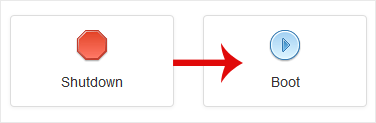
4. Click Yes to confirm.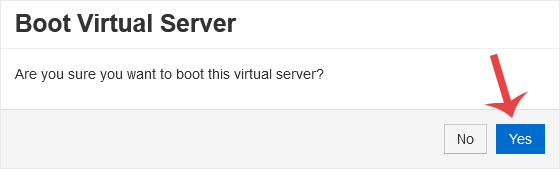
It may take some time for the VPS to start.
Kennisbank
Staat er voor een specifiek probleem geen oplossing in onze kennisbank, maak dan een ticket aan door hieronder de juiste afdeling te selecteren.
How to Start/Boot Your VPS in SolusVM
0
Was dit antwoord nuttig?
Back
Updated knowledgebase article view