
If your VPS is down/offline, you can start it using SolusVM.
1. Log in to your SolusVM Control Panel.
2. If you have multiple VPSs, select the appropriate one.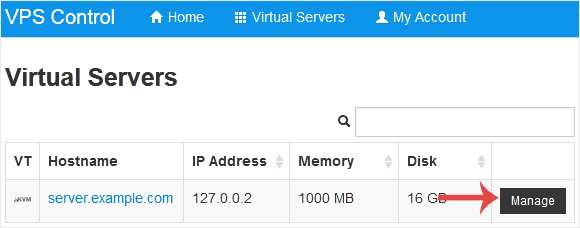
3. Click on Boot.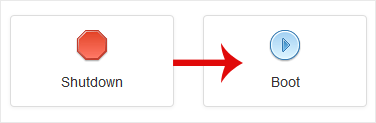
4. Click Yes to confirm.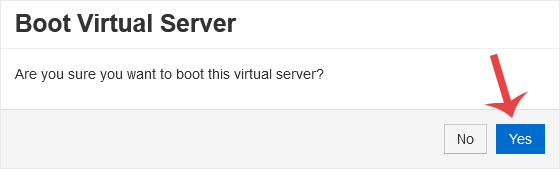
It may take some time for the VPS to start.
Wissensdatenbank
Falls Sie in unserer Wissensdatenbank keine Lösung für Ihr Problem finden, können Sie ein Ticket einreichen, indem Sie unten die entsprechende Abteilung auswählen.
How to Start/Boot Your VPS in SolusVM
0
War diese Antwort hilfreich?
Back
Updated knowledgebase article view